
Update Payment Instructions
-
Log in to your Now Book It admin page at: https://admin.nowbookit.com
-
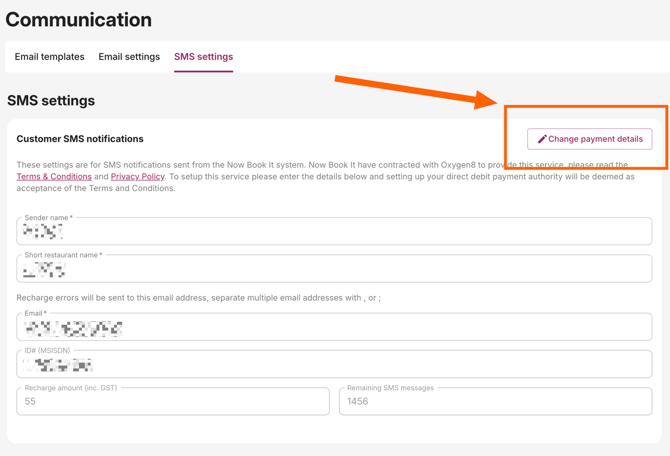
Click "Communication" on the left, and then click "SMS Settings"

-
Click "Change Payment Details." If you do not need this option, your account is most likely set up with "Post-Pay" SMS. If so, please contact Engage directly to make changes.
- In the pop-up window, enter the Number of tables and Number of services per day to calculate the necessary SMS credits and click "Proceed"

- This will load a page for the SMS provider. Enter your new payment details and click "Pay Now"

Your payment information is now updated for SMS purchases.